Anonymous Chat
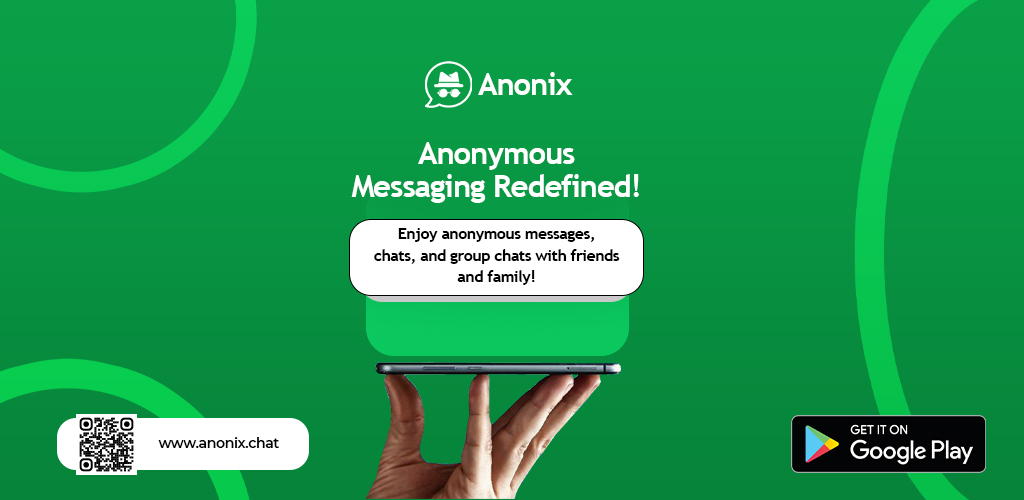
What Sets Our Anonymous Chat Apart?
Enjoy feature-rich anonymous chats where your identity remains hidden. Control every conversation with auto-delete, archiving, muting, reporting, and more.
Auto-Delete Chat Messages
Set a custom time frame for your messages to automatically get deleted. Both sender and recipient can control this setting, ensuring your conversations remain private.Archive Chats
Easily archive chats to keep your inbox uncluttered. Archived chats can be reviewed later without interfering with active conversations.Mute Chat Notifications
Silence chat notifications temporarily to focus on what matters. Stay in control of your conversation interruptions.Report & Block Chats
Easily report inappropriate behavior or block unwanted contacts to maintain a safe and respectful messaging environment.Search Chats by Label
Quickly locate specific chats by searching through chat labels. This powerful feature helps you find conversations effortlessly.Pin Important Chats
Keep your most important conversations at your fingertips by pinning them to the top of your chat list for quick access.What Is Anonymous Chat?
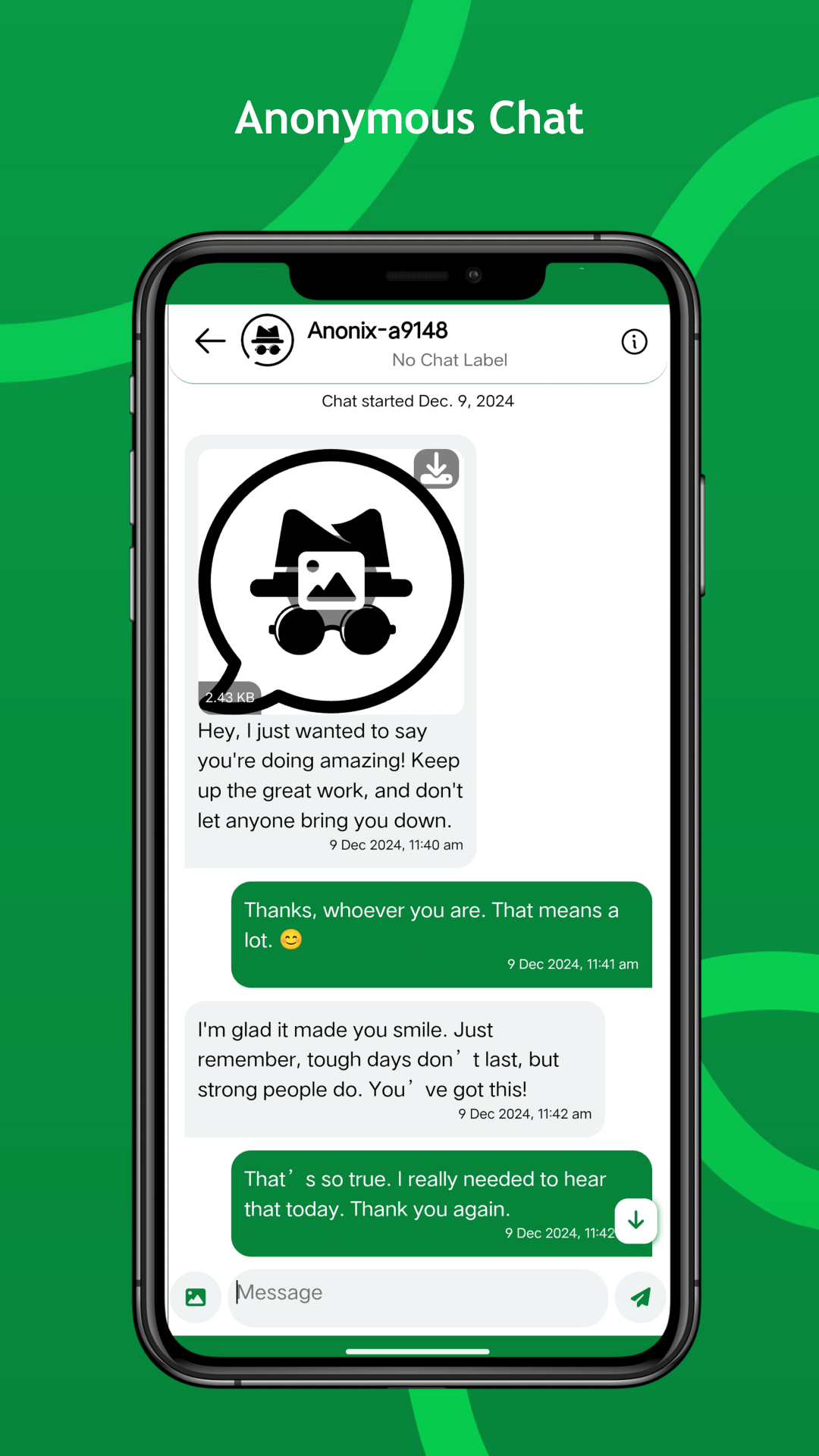
Anonymous chat on Anonix is a two-way, real-time conversation where the person initiating the chat remains completely unknown to you throughout the entire exchange. Unlike inbox messages — which are one-way and allow no reply — anonymous chat opens an ongoing dialogue between you and a hidden sender, with neither party's identity ever exposed.
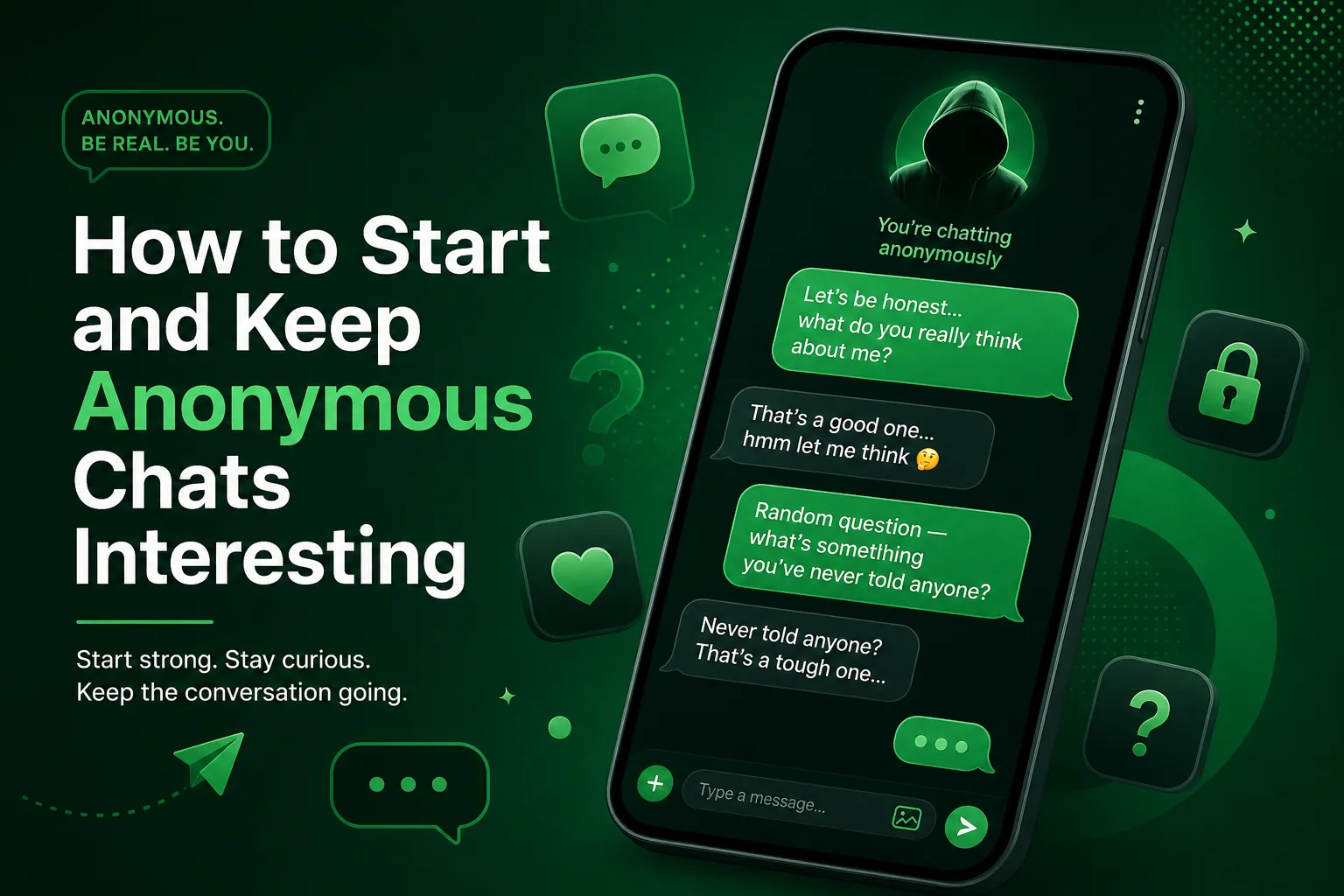
When you share your anonymous chat link, anyone who opens it can begin a conversation with you. You can respond, ask follow-up questions, and continue the exchange for as long as you want. The initiating person's identity is never revealed, no matter how long the conversation runs or how many messages are exchanged.
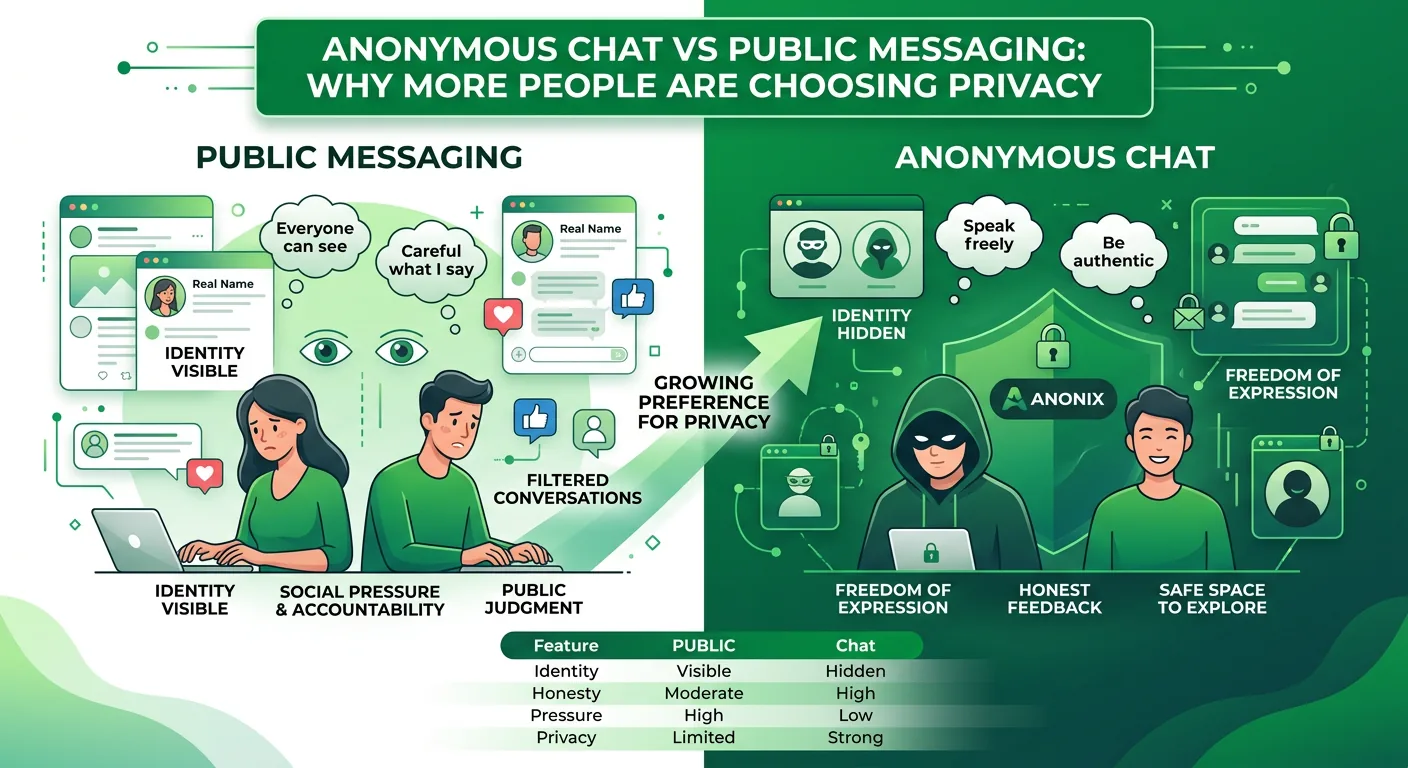
This allows for genuine, pressure-free communication that is simply not achievable when both parties know who they are talking to. It is particularly powerful for getting honest opinions, working through difficult topics, or simply talking freely without the weight of social identity.
How It Differs from Inbox Messages
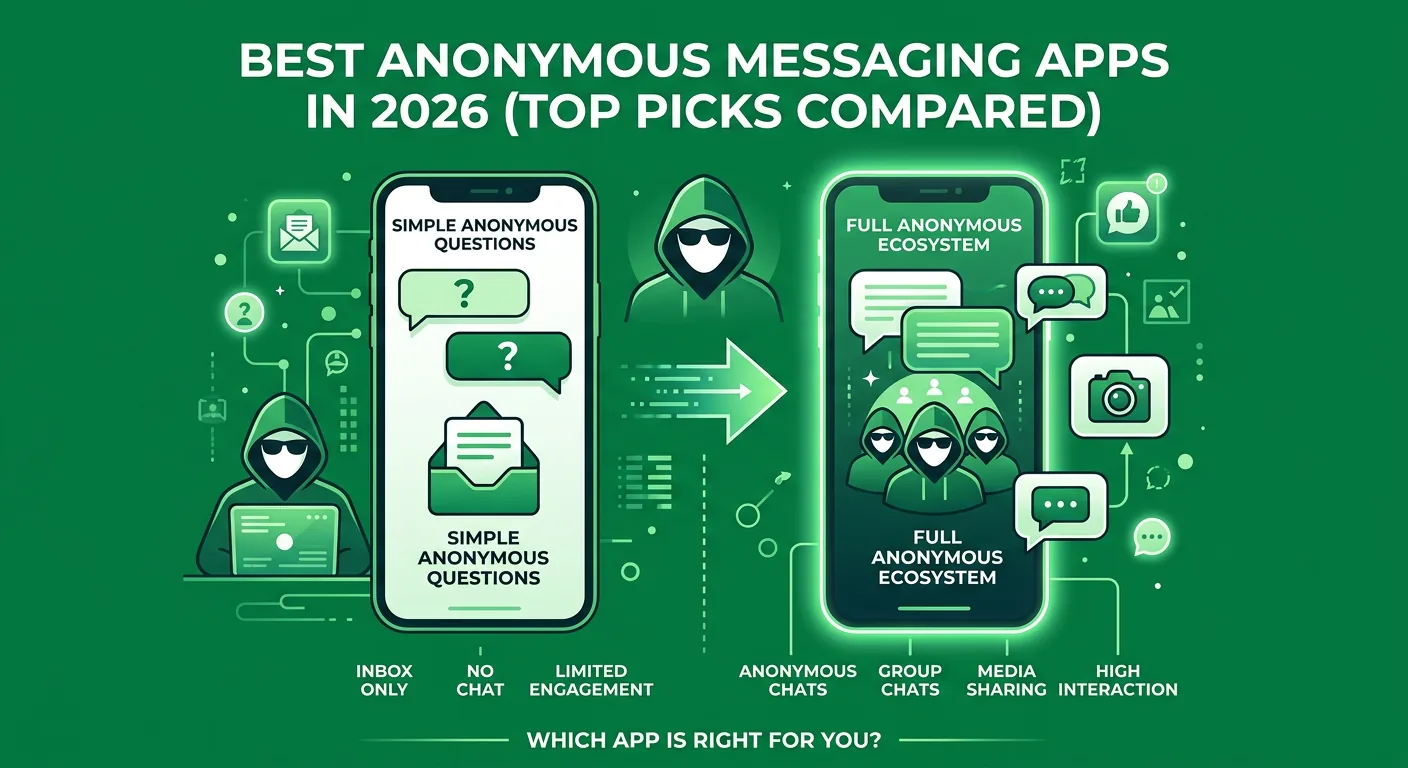
Anonix offers two distinct interaction modes for a reason. Inbox messages are designed for one-time, one-directional feedback — confessions, opinions, or questions where no reply is expected or needed. Anonymous chat is designed for situations where you actually want a conversation: evolving exchanges, ongoing dialogue, and discussions that build over time.
If you post your Anonix inbox link asking for anonymous confessions, you collect messages but cannot engage with any of them. If you post your chat link, you open the door to real conversations. The anonymity protection is identical in both systems — what changes is the structure and direction of the exchange.
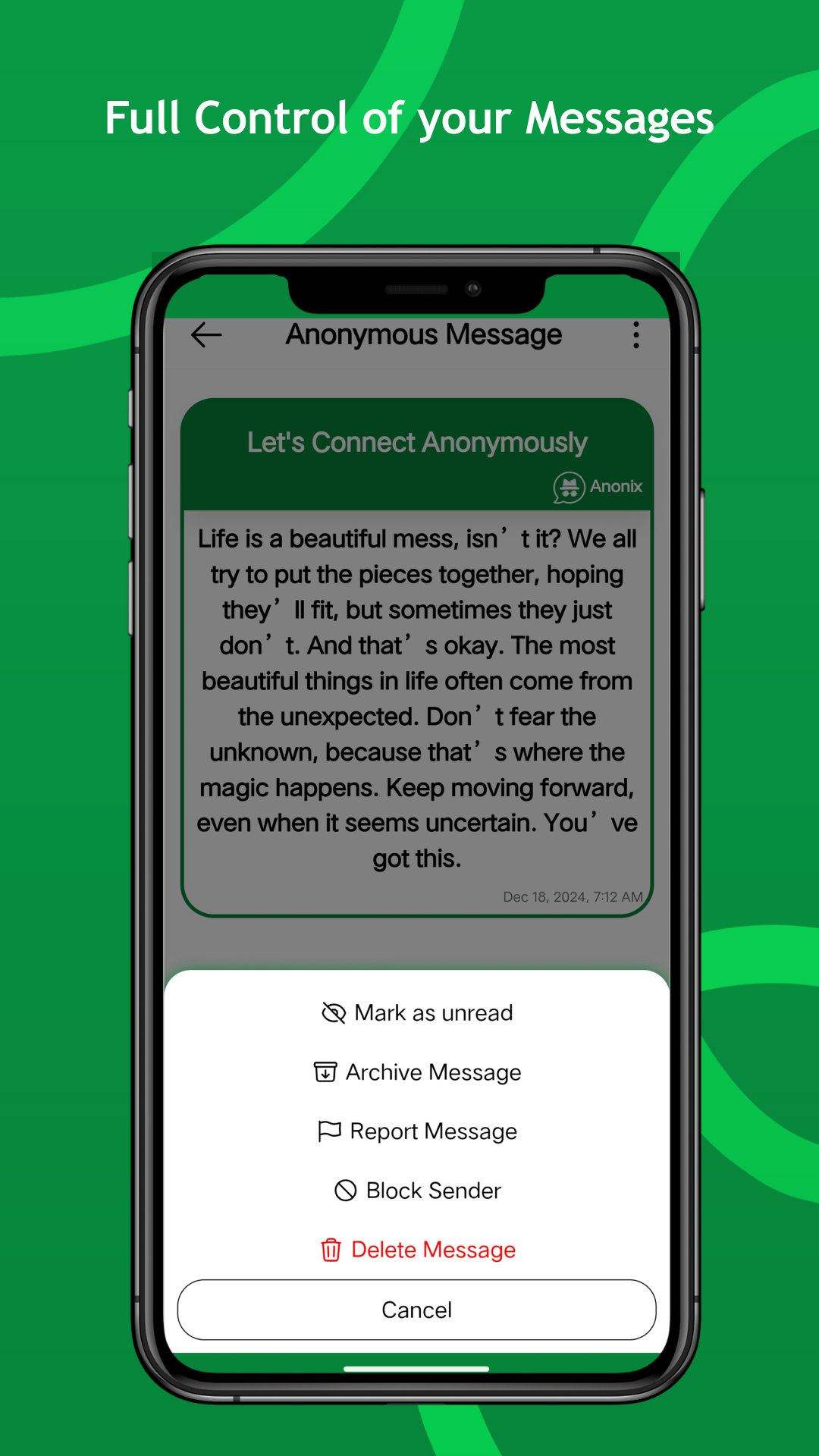
Every conversation is fully private. Auto-delete timers, archiving, muting, and blocking all give you complete control over your chat environment without ever compromising the sender's anonymity.
Anonymous Chat — FAQs
Can the person I am chatting with identify me?
No. Your identity is fully protected throughout the entire chat session. The recipient sees your messages but never your name, username, email, phone number, or any personal information at any point.
Can both parties send images and videos in a chat?
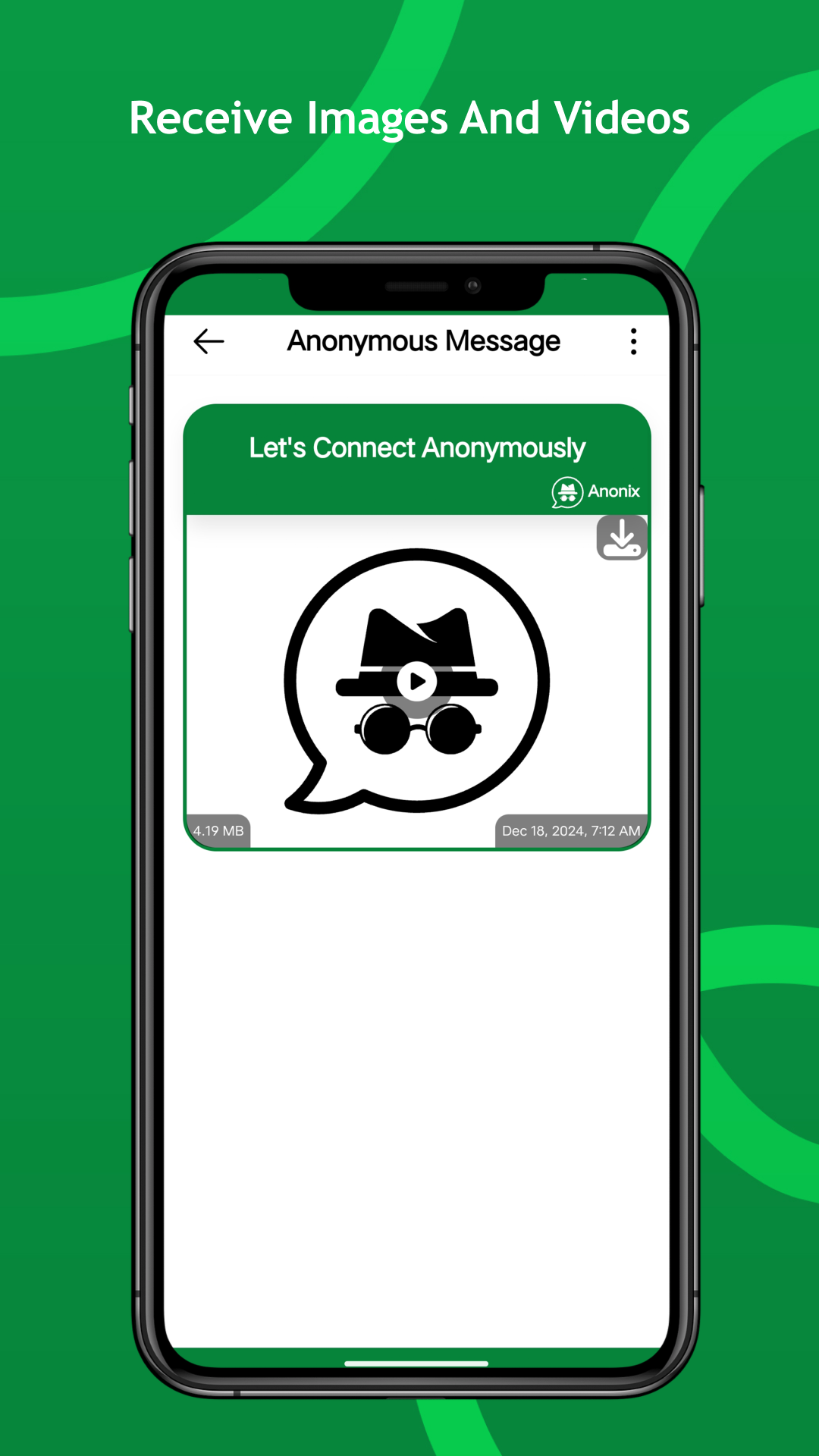
Yes. Both the initiator and the recipient can send text, images, and videos within an anonymous chat session. All media transfers carry the same identity protections applied to text messages.
Does the chat end if I close the app?
No. Chats are persistent and stored in your inbox until you delete or archive them. You can leave and return to a chat at any time without losing the conversation history, subject to any auto-delete settings you have configured.
Can I have multiple anonymous chats running at the same time?
Yes. You can maintain multiple simultaneous anonymous chat sessions, each completely separate and independent. You can pin, archive, or mute individual chats to manage a busy inbox without losing track of any conversation.
How does the auto-delete timer work in chats?
Both parties in a chat can set a timer that automatically deletes messages after a specified period. This adds a layer of ephemeral privacy to sensitive conversations without requiring either party to manually delete anything.
How is anonymous chat different from anonymous group chat?
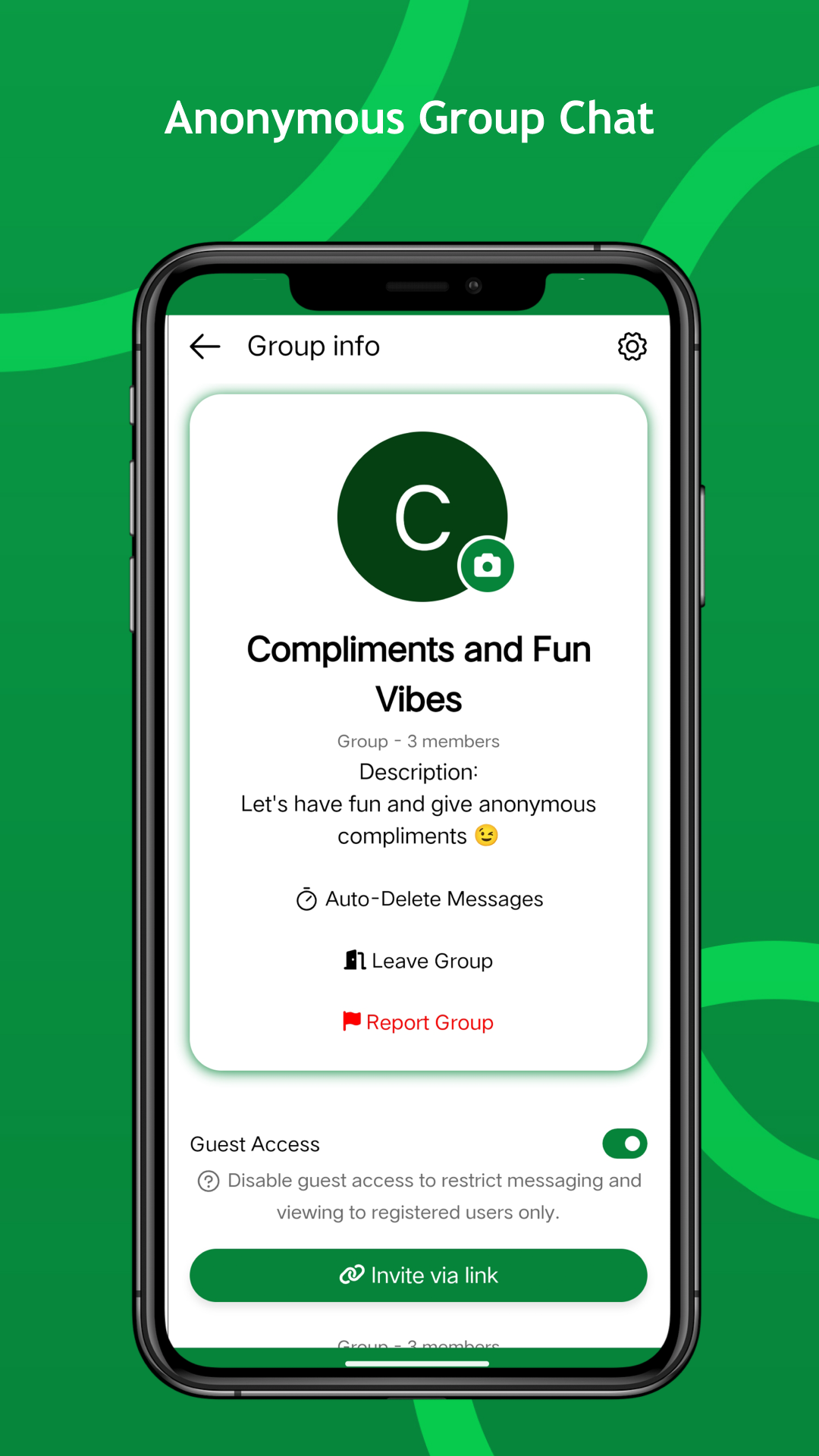
Anonymous chat is a private one-to-one conversation between you and a single hidden sender. Anonymous group chat is a shared space where multiple participants interact simultaneously, all remaining anonymous to each other throughout.
How It Works
3 Easy Steps
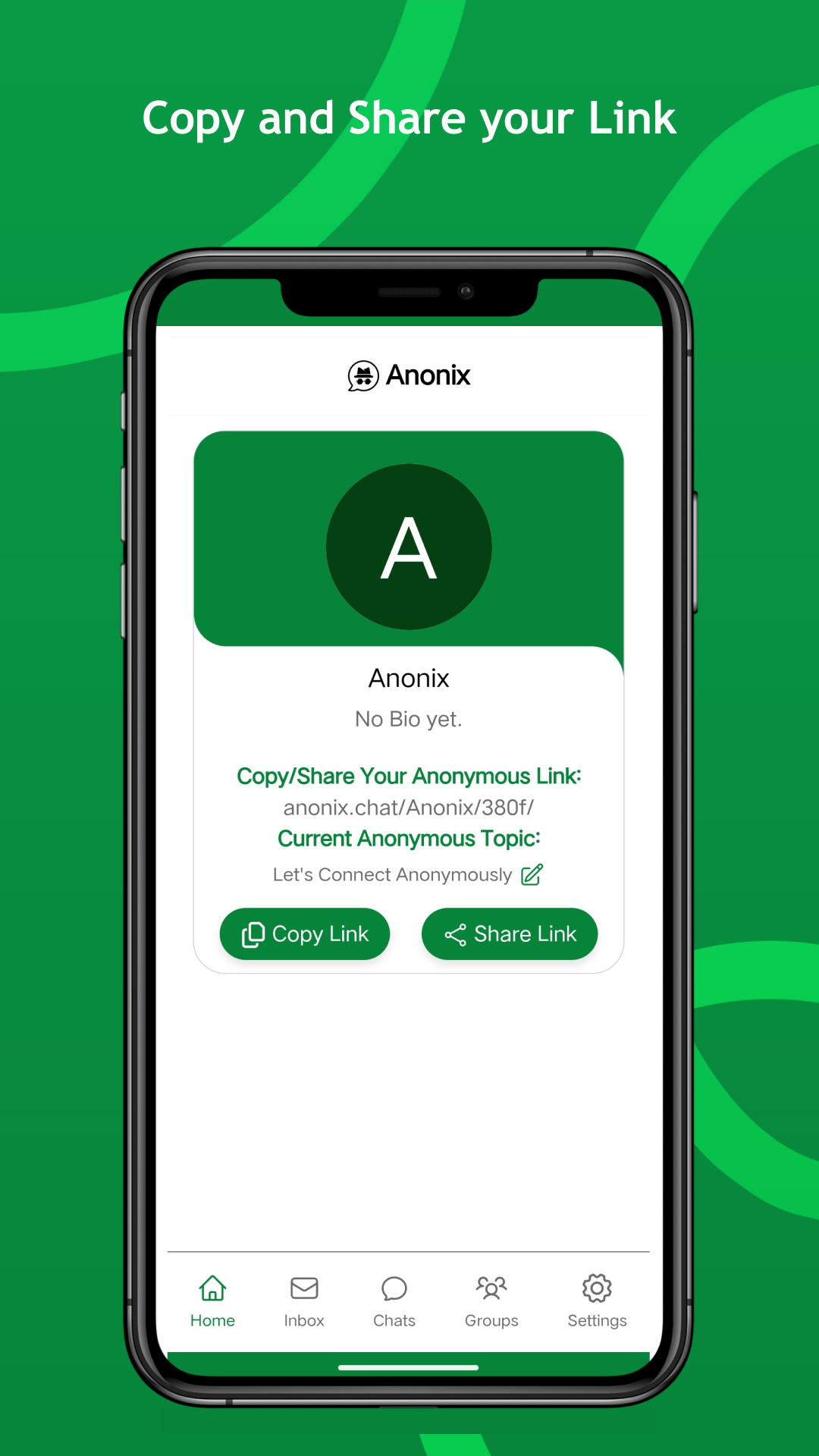
Share Your Unique Anonix Link
Copy or Share your unique Anonix link with friends and family, which will serve as your identifier for receiving anonymous messages and chats.
Receive Anonymous Messages and Chats
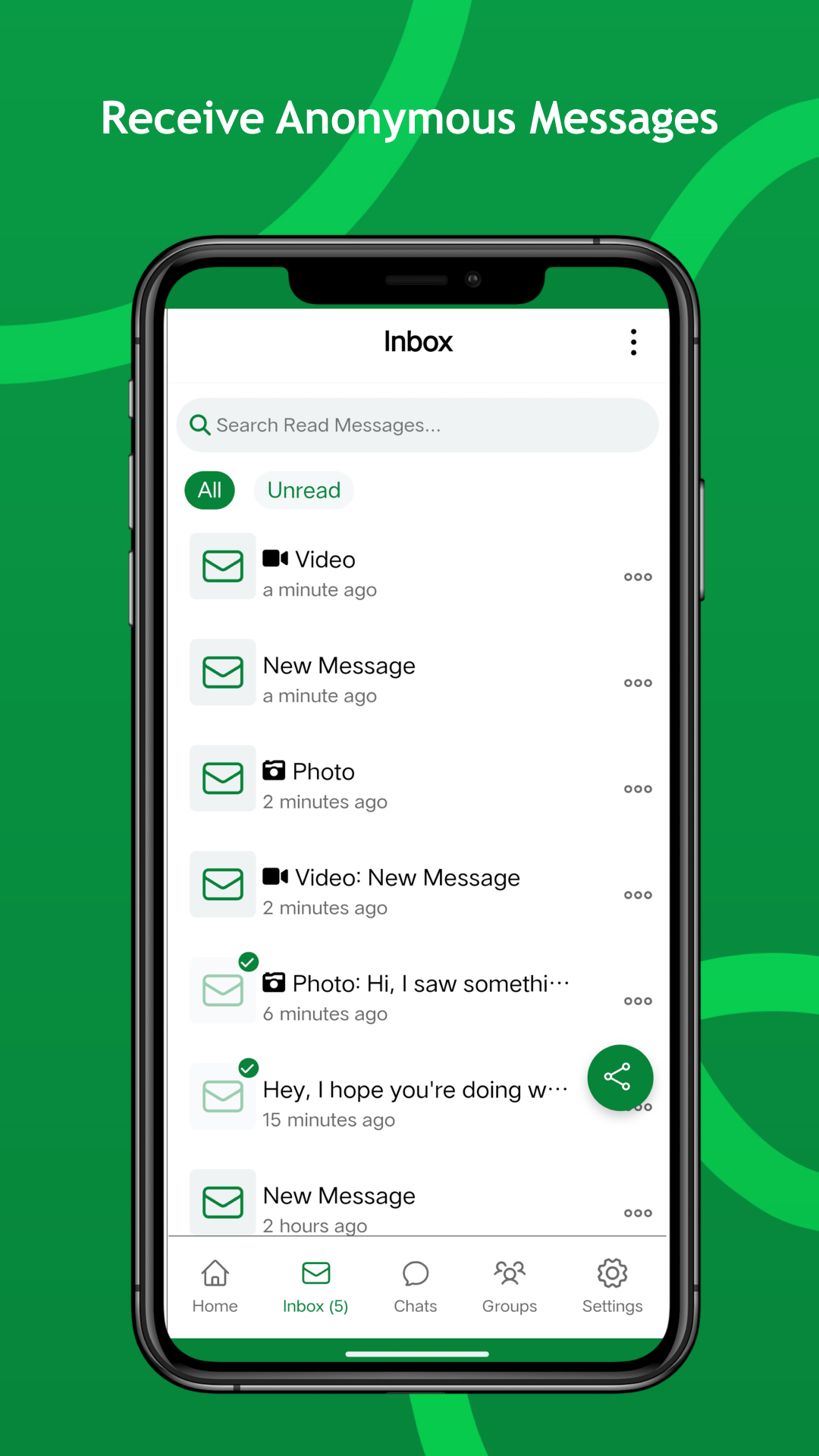
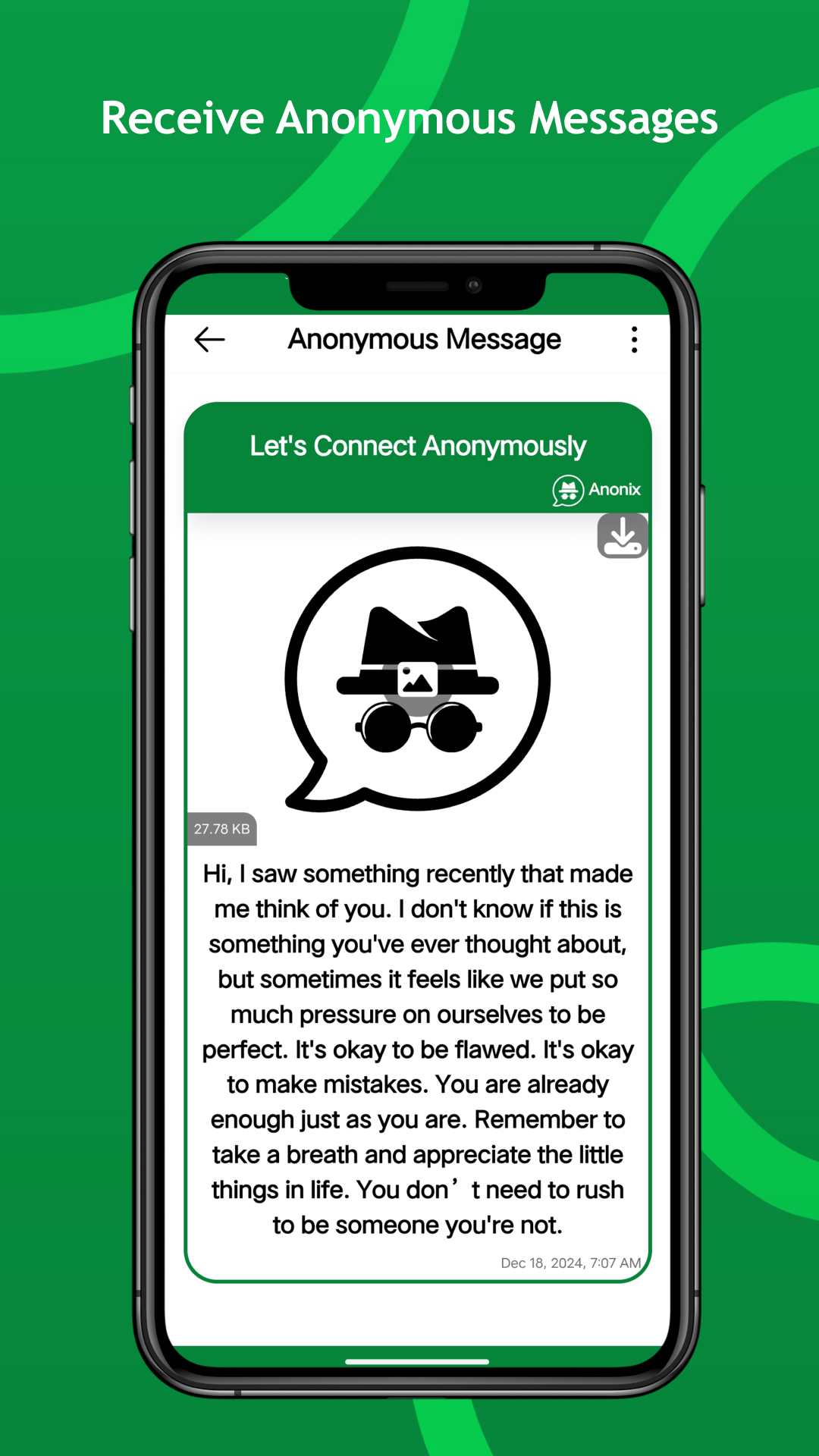
Once your link is shared, start receiving anonymous messages in real-time. Anonix ensures your privacy by allowing others to express themselves freely while keeping their identities protected.
App Screenshots
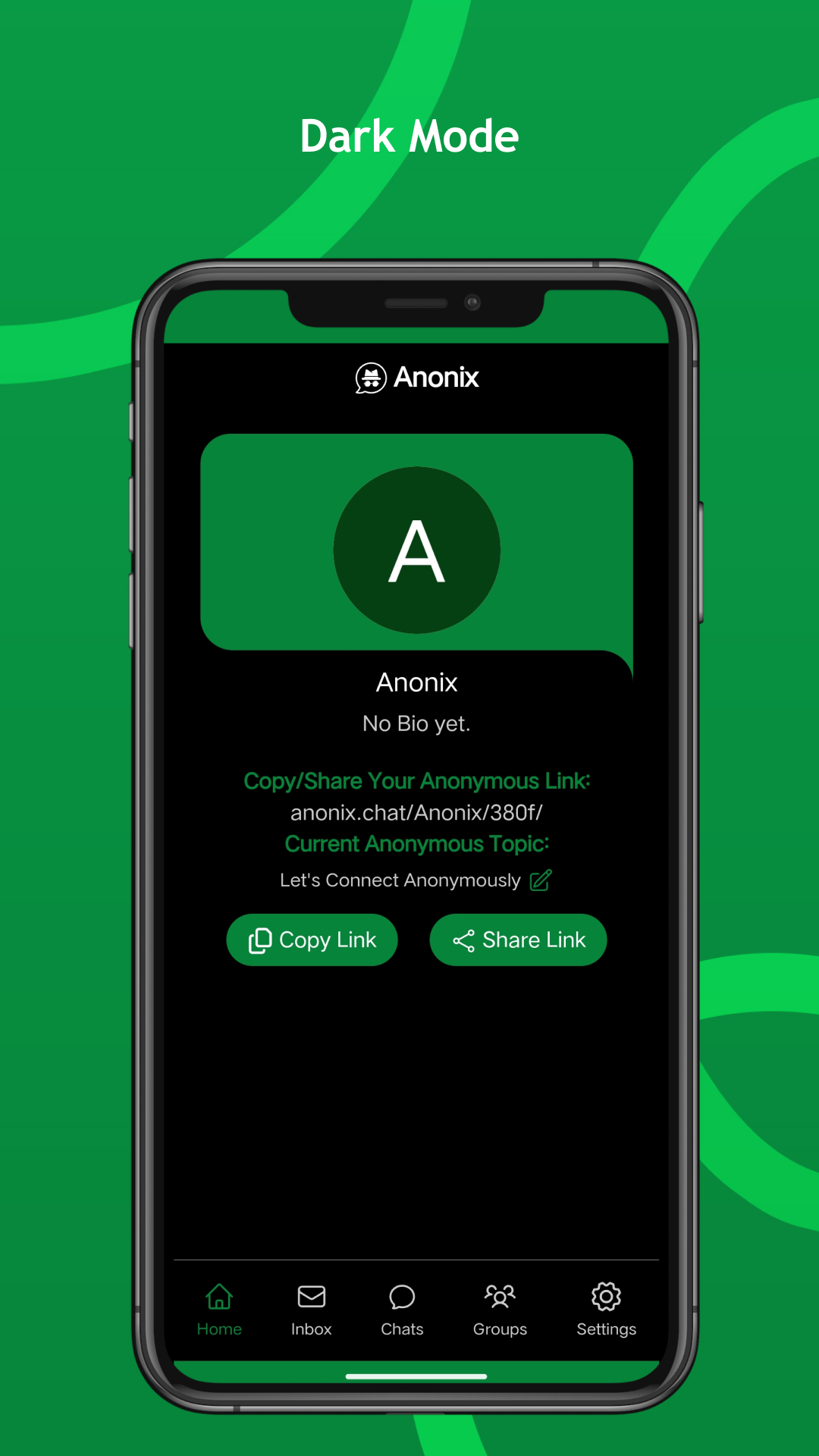
Navigate seamlessly through the various features of Anonix.
From Our Blog
Tips, Guides & Ideas
FAQs
Frequently Asked Questions
Download Anonix Now!
Download Anonix today and experience the freedom of anonymous communication. Share your thoughts, connect with others, and engage in meaningful conversations without revealing your identity. With its commitment to anonymity, real-time communication, and innovative features, Anonix is your gateway to a new world of authentic connection.

 Anonix
Experience the freedom of secure, anonymous messaging, chats, group chats, and media sharing.
Get In Touch
contact@anonix.link